
Management software for vocational training centers
Courses, sessions, trainers, attendance, certificates and payments in one place, so you can follow every learner from enrollment to certificate instead of juggling a notebook and three spreadsheets.
Pro plan free for 30 days · no credit card · no commitment
Trades, sessions and trainers, organized
Each trade or program is a course in your catalog, with its length in hours, a PDF syllabus, tuition, a registration fee and a number of installments. You then open dated sessions from it, each with a trainer, a room, a capacity and weekly time slots.
Classes are created for the whole period, and a clash of room or trainer is flagged as soon as you save. A workshop or a practical exam outside the usual hours is added as a one-off class.
When you open your center, the type Other training lets you describe your trade (sewing, hairdressing, driving...).
Attendance, class by class
The trainer takes the roll from their phone: present, absent, late or excused, with a note if needed. Each learner's attendance rate is calculated on the classes that were checked, and it feeds the end-of-session review.
An absence can notify the family by e-mail, and by WhatsApp or SMS once you connect your accounts. Every trainer has a personal space with their classes and their learners.
Results and certificates at the end of a session
When a session ends, the review suggests a level for each learner: the next level if they reach 70% attendance and pass the course's final quiz, when there is one. You confirm or adjust, and validating closes the enrollment and generates the completion certificate as a PDF.
The certificate follows your center's template: logo, legal details, signature. Online quizzes are graded automatically, and a learner who passes gets a certificate of achievement.
Installment payments, payroll and reports
Tuition can be split into up to 12 installments. The cash desk records cash, Mobile Money (with the transaction reference: MTN MoMo, M-Pesa, Airtel Money...), card, bank transfer and cheque payments, and hands over a numbered receipt. Late installments get automatic reminders, by e-mail and by WhatsApp or SMS once you connect your accounts.
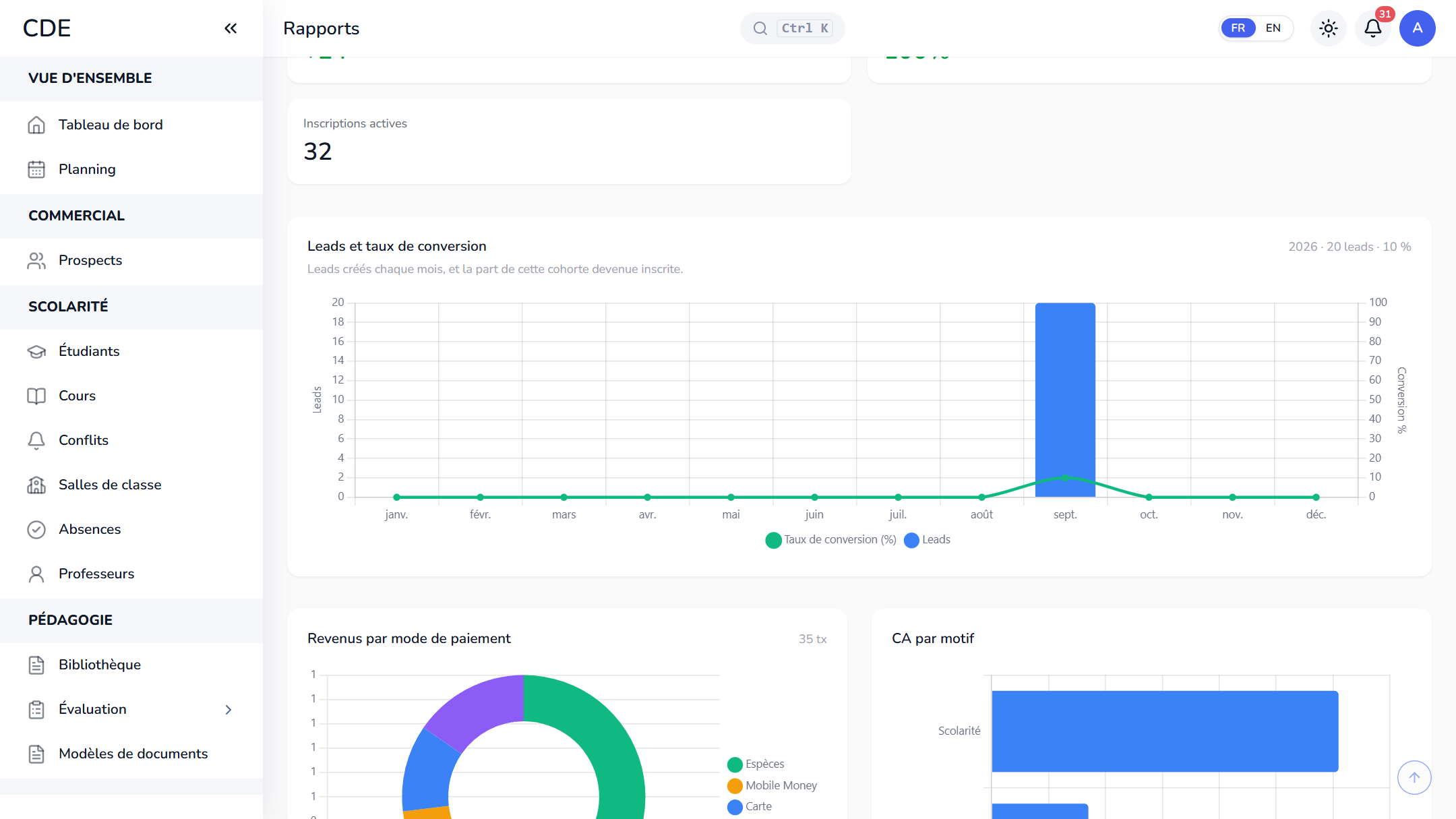
Payroll for hourly trainers is calculated from the classes they taught, minus approved absences. Reports show revenue, expenses, payroll paid and net result for the period you choose, along with session fill rates and learner retention.
Frequently asked questions
Which software should I use to run a vocational training center?
Look for software that covers both the teaching side (programs, sessions, scheduling, attendance) and the money side (installments, receipts, reminders), and that works from a phone. Palatryx does both, and the free trial lets you test it with your own programs.
How do I track attendance in a vocational training center?
The trainer takes attendance class by class from their phone. Each learner gets an attendance rate, calculated on the classes that were checked.
Can Palatryx issue certificates of completion?
It generates a PDF enrollment certificate, completion certificate or training contract from your center's template. The completion certificate comes out automatically when you validate the level in the end-of-session review.
Can I pay trainers by the hour?
Yes. Each trainer has an hourly rate on their record. The payroll page calculates the month's hours from their classes, removes approved absences and records the payment, which the trainer then sees in their own space.
See also
Open your center in minutes.
Enroll your first students the same day. 30 days free on the Pro plan, no credit card required.