
Attendance tracking software that takes the roll call to the classroom
Teachers take attendance from their phone, attendance rates calculate themselves and a student's family can be told about an absence right away.
Pro plan free for 30 days · no credit card · no commitment
A roll call you fill in on a phone
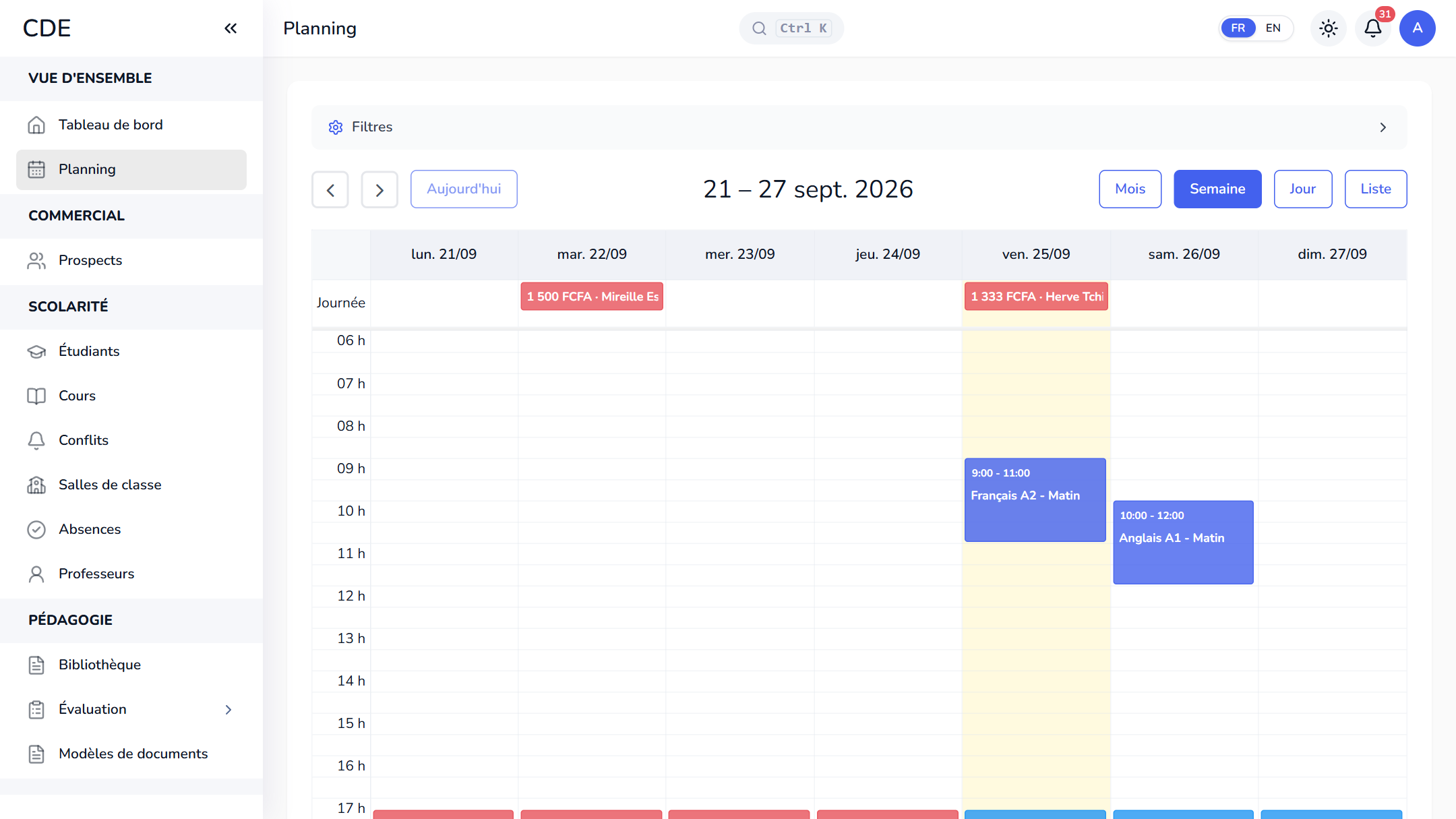
Palatryx runs in the browser: the teacher opens the attendance sheet for a class from their home page, the schedule or the session page. Everyone starts as present, so you only change the status of the others, add a note if needed and save. Made a mistake? Reopen the same class and correct it: each student keeps a single mark per class.
Four statuses, attendance calculated for you
Each student is marked present, absent, late or excused. Attendance is calculated on the classes marked: presences and late arrivals count, absences and excused ones do not. With no marks yet, it shows 100%. It appears on the student's record, in the enrolled list of each session and in their own portal, and it is flagged below 70%.
The family told about an absence
If the student absence setting is turned on in the center's settings, marking a student absent notifies their family: WhatsApp or SMS to the parent (or to the student if no parent number is set), and an email if there is one. WhatsApp and SMS go out once the center has connected its accounts; without them, only the email is sent. The message goes out once per class, even if you correct the mark later, and never blocks saving.
Teacher absences, tracked too
A teacher reports their absence on a class, with a reason, from their own space. The center approves or declines it, or marks the teacher absent itself from the attendance sheet. An approved absence takes the class hours off that month's payroll. If the matching setting is on, enrolled students are told: class canceled, covered by a replacement or still on.
From attendance to the end-of-session review
At the end of a session, each student's attendance appears next to their final quiz, if there is one. Palatryx suggests the next level for those with at least 70% attendance who also passed the quiz, when there is one. You confirm or adjust: validating records the level and generates the completion certificate if a template exists.
Mark every class before closing the session, which then drops off the attendance page. The attendance sheet exports to CSV, depending on your plan and permissions.
Frequently asked questions
Which software should I use to track attendance at a training center?
A tool teachers can open in the classroom, that works out attendance rates without a spreadsheet and ties absences to the rest of the student file. Palatryx runs in a phone's browser, with a free trial and no credit card.
Can Palatryx notify parents of an absence by WhatsApp or SMS?
Yes, once your center has connected its WhatsApp or SMS accounts and turned on the absence setting: the message goes to the parent as soon as the student is marked absent. Email is included and acts as the fallback while those accounts are not connected.
How is a student's attendance rate calculated?
Presences and late arrivals are divided by the number of classes marked. Absent and excused students do not count as present, and a student with no marks shows 100%.
See also
Open your center in minutes.
Enroll your first students the same day. 30 days free on the Pro plan, no credit card required.