
Generate certificates and attestations as PDFs, in your center's name
Your templates fill themselves in with the student's and the center's details. One click and the PDF is filed on their record; when a level is validated, the certificate is generated automatically.
Pro plan free for 30 days · no credit card · no commitment
Templates you write once
A new center starts with three templates: enrollment certificate, certificate of completion and training contract. Adapt them or create others, in portrait or landscape, with one of ten layouts or a blank page; a preview shows the result before you save.
The text contains tags replaced when the document is generated: the student's name, registration number, email and phone; the center's name, logo, city, phone and legal details (trade register number, tax ID, accreditation); the course taken, validated level, final quiz score and today's date.
One click from the student's record
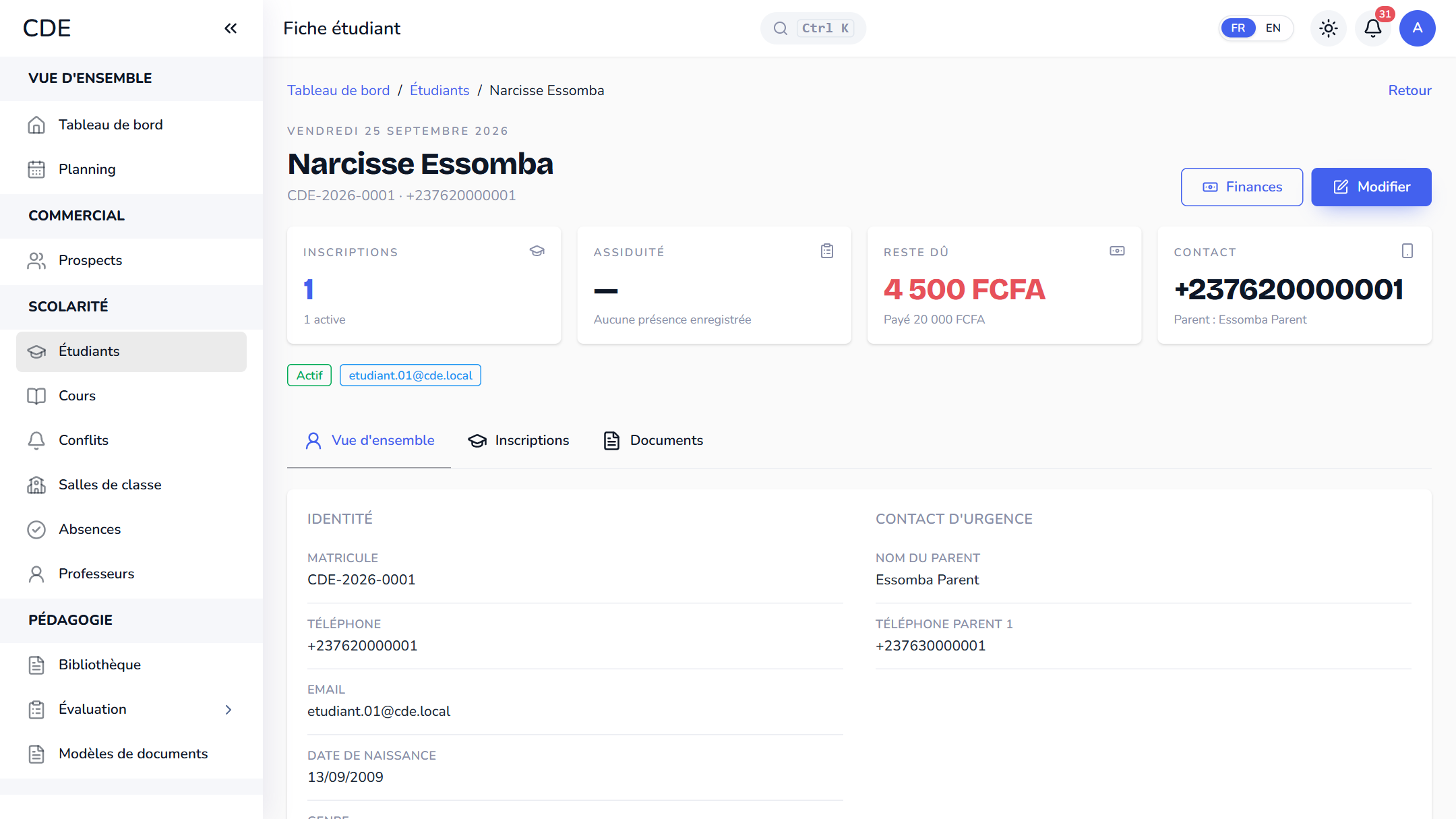
Open the record, go to the Documents tab, choose a template and click Generate. The PDF appears right away with its number (for example DOC-2026-0012), ready to download or print. It is locked when generated: if the record or the template changes, generate a new one.
The certificate of completion, when a level is validated
At the end of a session, you validate each student's level in the session review, next to their attendance and final quiz. Validation generates the certificate from your template (course, level and score fill in on their own), files it in the Documents tab and adds a Certificate link next to the level.
A student who passes a quiz can also get a pass certificate as a PDF, downloadable from their portal.
Center signature and online signing
Upload the director's signature once: drawn on screen, imported as a PNG or JPEG, or drawn with a finger on a phone through a link or a QR code. It is added on its own to attestations, certificates, contracts, quotes and receipts.
For a contract signed remotely, the Request signature button sends the document to the student: they verify with a 6-digit code, sign on screen, and the signed PDF returns to their record with a signature certificate (name, phone, date, time, IP address). The link stays valid for 7 days.
It is a simple electronic signature, not a qualified one. The link and code go out by email, SMS or WhatsApp depending on the connected channels. Document templates and online signing depend on the plan you choose: the pricing page shows what each plan includes.
Frequently asked questions
How do I generate a certificate of completion for a student?
On the student's record, open the Documents tab, choose the Certificate of completion template and click Generate. Validating the level at the end of a session also generates it automatically.
Is a certificate generated with Palatryx official?
It is issued in your center's name, with the legal details and signature you enter. Whether it is recognized depends on your status and your country's regulations: Palatryx does not issue state diplomas.
Can a training contract be signed remotely?
Yes: the student receives a link, verifies with a code, then signs on their phone screen, without creating an account.
Can certificates carry my logo and the director's signature?
Yes. The logo goes into the template through a tag, and the signature, uploaded once in the settings, is added to every document generated afterward.
See also
Open your center in minutes.
Enroll your first students the same day. 30 days free on the Pro plan, no credit card required.