
Give every lead an online placement test
The lead takes the test on their phone, without creating an account. Their score and estimated level land on their record, so you know which class to place them in before you call back.
Pro plan free for 30 days · no credit card · no commitment
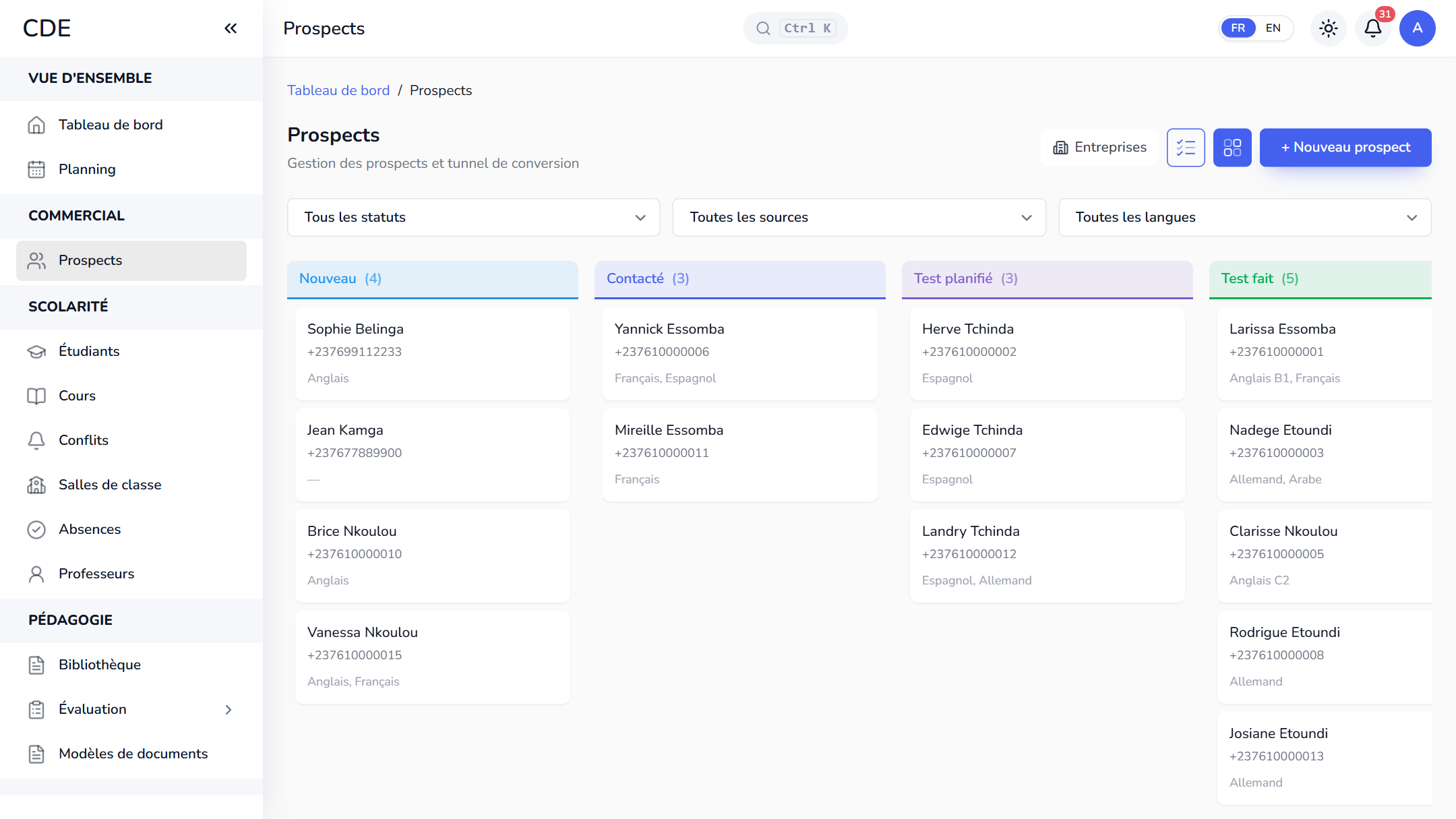
From the link you send to the level on the record
Prospects assess themselves from home, without traveling to the center. Palatryx calls it the level test, and suggests the one that matches the language and declared level of each inquiry. The link goes out by email, WhatsApp or SMS depending on the channels your center has connected, or you can paste it into the chat you already have open.
- You publish a test: a quiz marked as a level test, per language or subject and target level, or across the whole scale.
- On the lead's record, one click on Send: they receive a personal link and move to the Test scheduled stage.
- They answer on their phone, without an account, and see their score.
- The pipeline moves to Test done, the estimated level is written next to the language ('English B1') and the history keeps the score.
Your questions, marked automatically
Four question types: single choice, multiple choice, true or false, short answer (accepted answers ignore capital letters and accents). Each question is worth 1 to 100 points and can carry a level.
- Pass score, time limit, attempts and availability dates are adjustable.
- A question bank shared across the center, with CSV import.
How the level is calculated
The default scale runs from A1 to C2. For IT or accounting, replace it with your own steps (Beginner, Intermediate, Advanced). Three rules, easy to explain to a lead:
- Questions that each carry a level: the level awarded is the highest one fully mastered, step by step. A failed step stops the progression.
- Test with a target level: pass score reached, the lead has that level; otherwise they are placed one level below.
- General test: the percentage is cut into equal bands. With the six default levels, 50% gives B2 and 100% gives C2.
From result to enrollment
Every attempt shows up in the test results with a Lead badge, the score, the percentage, the level reached and the detail of each answer; the table exports to Excel or PDF. At enrollment, one click converts the lead into a student, with their level per language.
The online test depends on the plan you choose: the pricing page shows what each plan includes.
Frequently asked questions
How do I give a placement test online before enrollment?
Create a test, open the lead's record and click Send. With no sending channel connected, copy the link and send it yourself.
Does the lead need an account to take the test?
No. The link is personal and secure. If they close the page before submitting, the same link brings them back, but answers that were not submitted are lost.
Can I use a placement test for IT or accounting courses, not just languages?
Yes, the test is not limited to languages: you set your center's level scale and link the test to the subject concerned.
Which software marks a placement test automatically?
Palatryx marks the test as soon as the lead submits it and calculates the estimated level using the rules above. The score cannot be edited by hand.
See also
Open your center in minutes.
Enroll your first students the same day. 30 days free on the Pro plan, no credit card required.